
Vibe Movie: AI Movie Maker for Cinematic Videos
Vibe Movie is an AI Movie Maker for creators who want cinematic-style results with more control. Use camera presets, focal styles, tone control, guided movement, and start/end frames to draft shots you can review before publishing.
Why Vibe Movie Is a Powerful AI Movie Maker
Build cinematic-style scenes with an AI Movie Maker workflow that combines camera presets, motion control, frame guidance, and creator review.
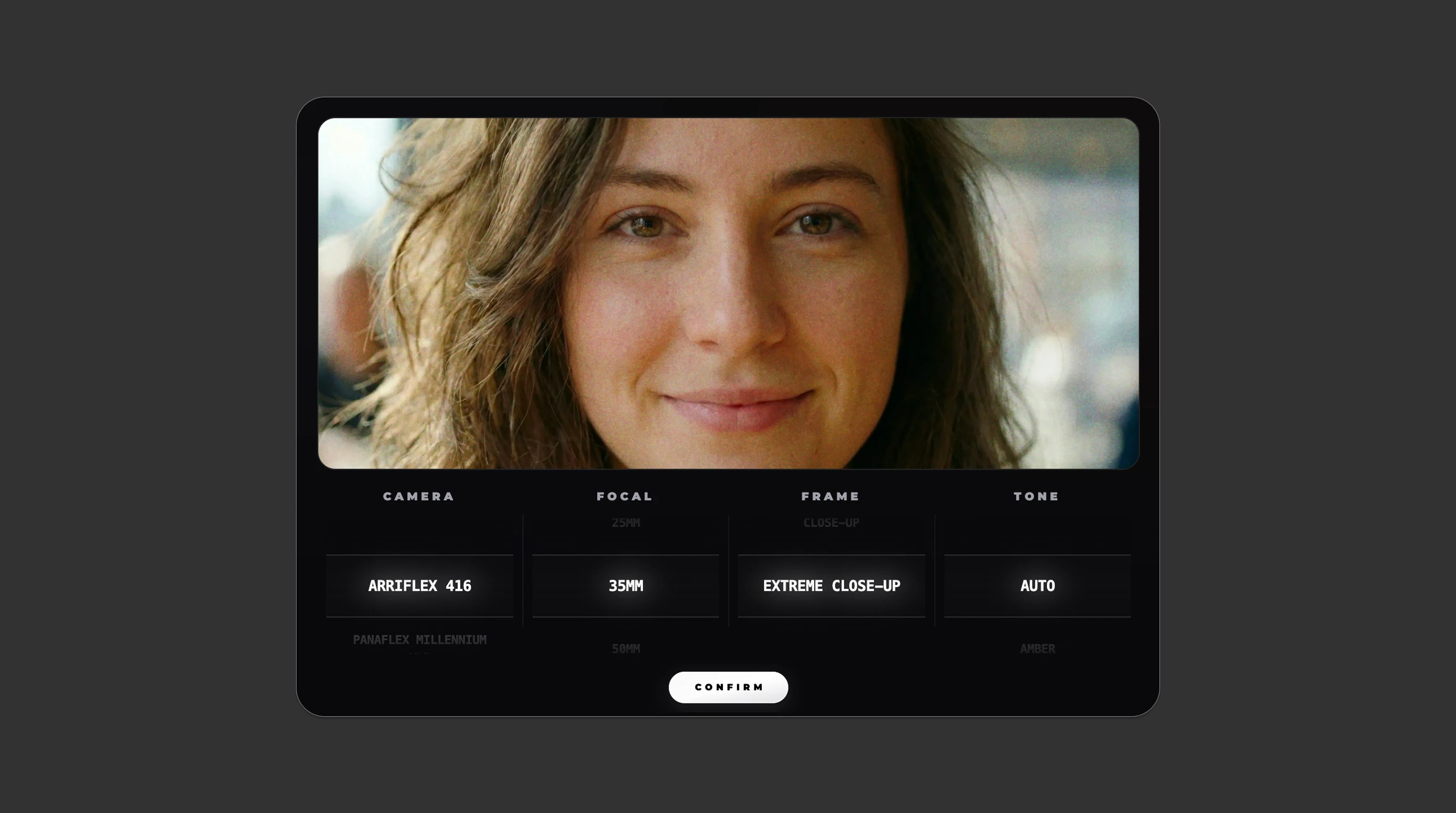
Get a Cinematic Look in Seconds
Start faster with camera types, focal length presets, and color tone profiles. Use them as creative direction, then review composition, subject detail, and visual consistency before export.
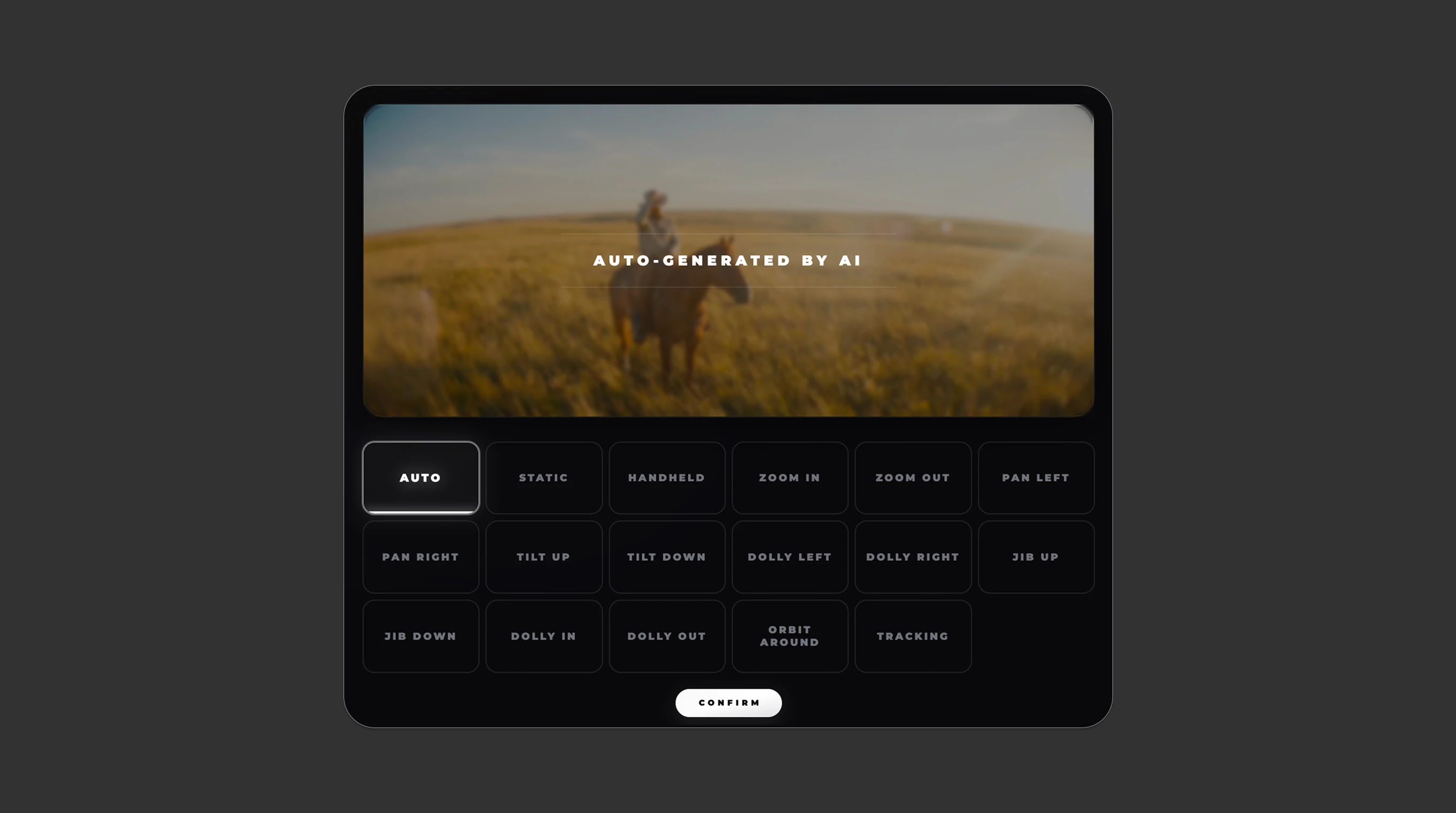
Direct Camera Motion with Clear Presets
Use built-in pan, zoom, tilt, and dolly presets to guide movement. Preview motion for framing, subject drift, warped details, and whether the shot still supports the story.
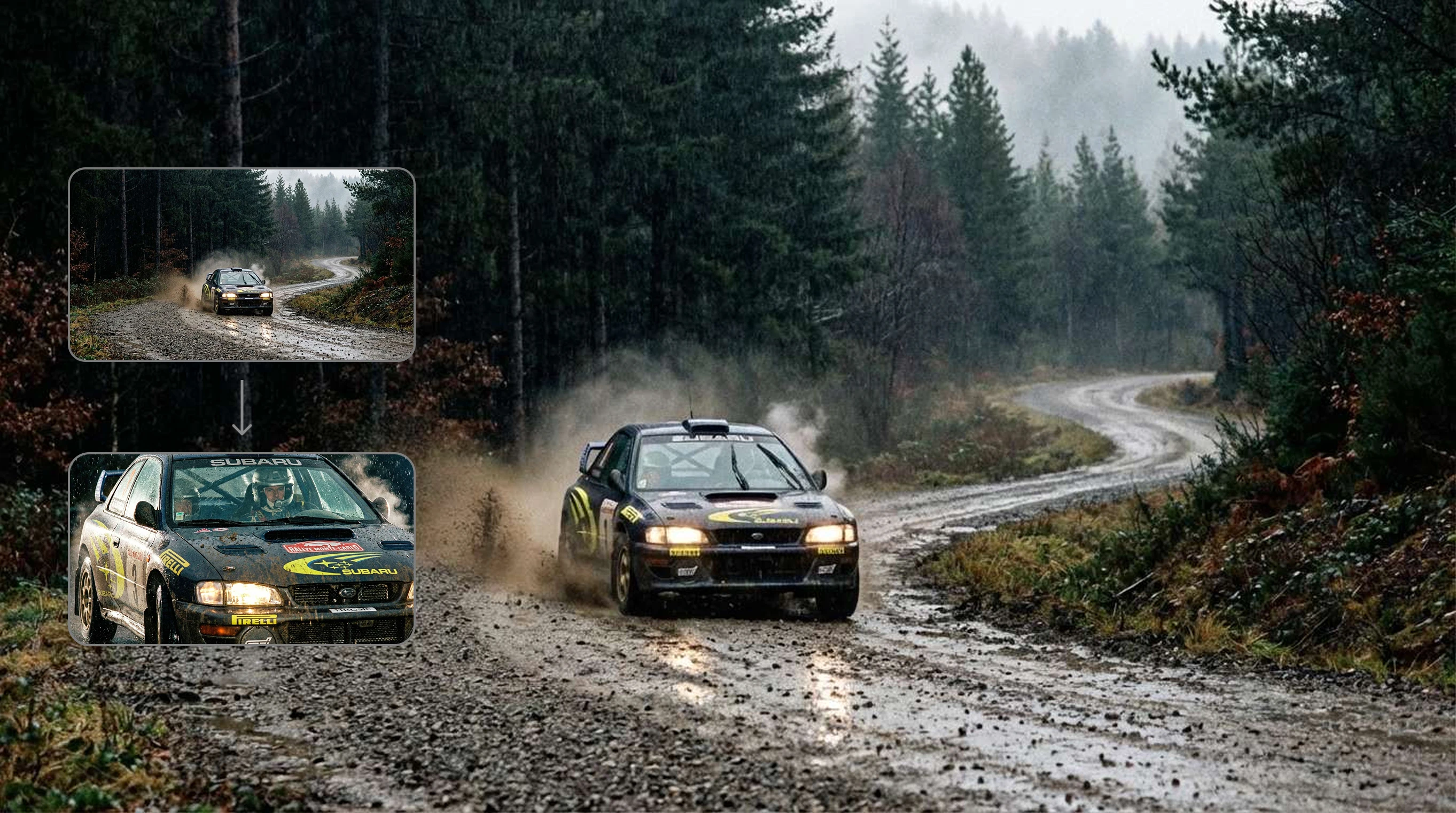
Control Every Shot from Prompt to Final Cut
Go from text-to-video or image-to-video with clearer scene direction. Start and End Frame controls help you guide continuity across generated shots that still need editorial review.
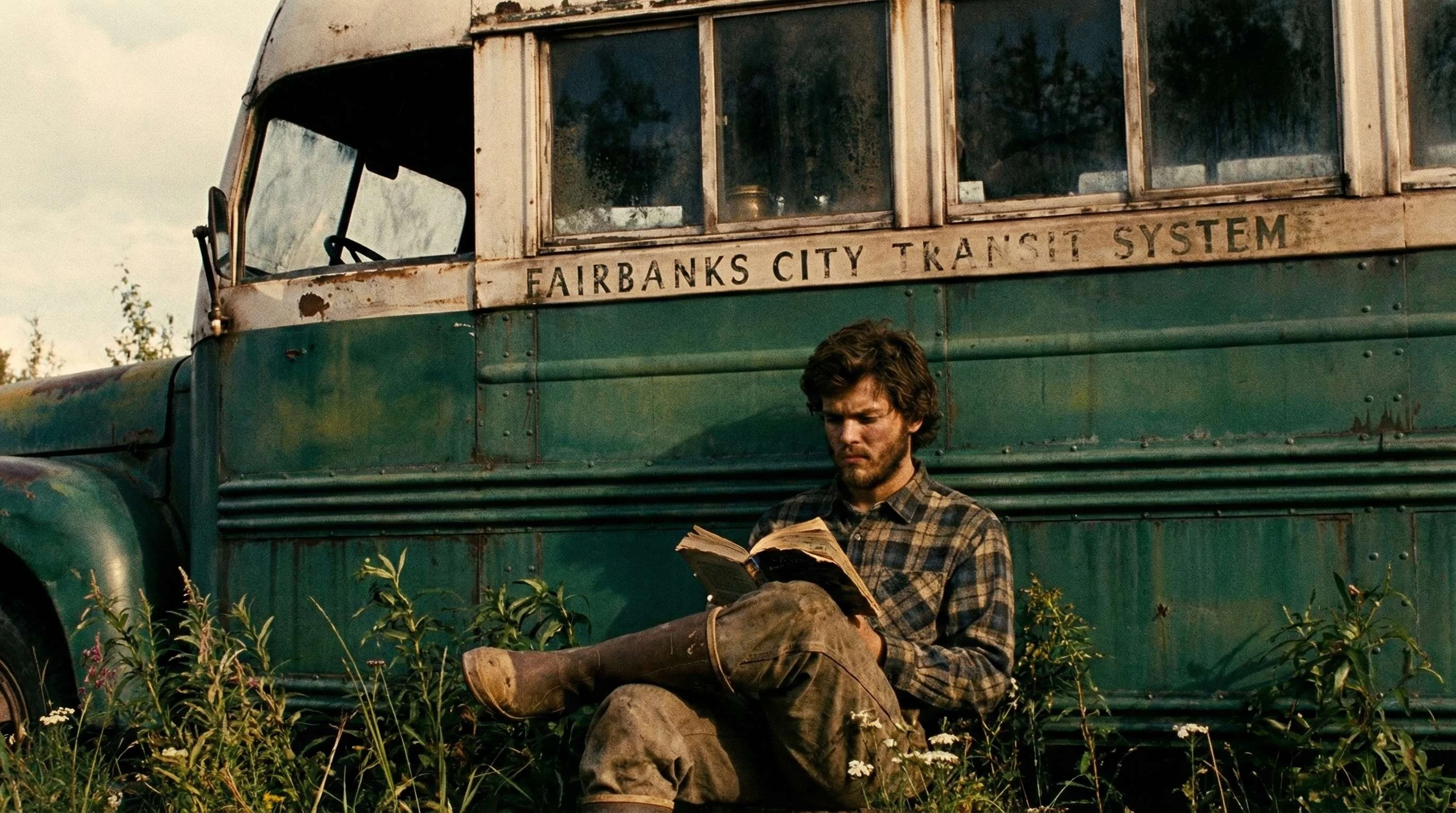
AI Movie Maker for Creators at Any Skill Level
You do not need a full production team to explore cinematic ideas. Vibe Movie turns ratios, optical settings, tone, and motion choices into approachable controls for drafts, tests, and finished clips.
How the Vibe Movie AI Movie Maker Works
A simple 4-step workflow to turn ideas into cinematic-style AI video drafts you can inspect and refine.
Start with Your Idea
Write a focused prompt or use a reference image to ground the visual baseline. Include subject, setting, mood, action, camera intent, and anything that must stay consistent.
Choose Cinematic Presets
Select camera lenses, aspect ratios, frame sizes, and color tone profiles that fit the scene instead of relying on a generic cinematic prompt.
Add Camera Movement (Optional)
Add tracking, pans, tilts, dolly movement, or a static shot when motion helps the story. Keep movement simple when the subject, product, or text needs to remain readable.
Generate, Review, and Refine
Generate the sequence, then review faces, hands, products, text, continuity, rights, and motion artifacts before using it in a final cut.
Vibe Movie AI Movie Maker FAQ
Everything you need to know about using Vibe Movie as an AI Movie Maker.
What is Vibe Movie AI Movie Maker?
Vibe Movie is an AI Movie Maker that helps you create cinematic-style videos from prompts or images using camera presets, motion controls, and start/end frame guidance.
Does it require prior video editing experience?
Not at all. Vibe Movie uses intuitive presets for camera operations and lenses, removing the complexity of traditional editing tools.
How are credits consumed?
Credits are consumed only upon successful video generation. Exploring the canvas and testing camera previews are entirely free.
Can I use my own custom images?
Yes. You can use Image Mode to upload your own references, then apply camera movement in Video Mode.
Can I control the start and end frames of the video?
Yes. You can upload or generate a Start Frame and provide an End Frame to guide the dynamic flow of the scene. Review the result for continuity before publishing.
What should I include in a strong AI movie prompt?
Include the subject, scene, action, mood, camera angle, motion, lighting, aspect ratio, and anything that must stay accurate, such as product details, character traits, or visual style.
What should I review before publishing generated video?
Check faces, hands, logos, product details, text, continuity, motion artifacts, audio or music rights, likeness rights, and whether the clip could mislead viewers.
Can I use generated clips commercially?
Commercial use depends on your plan, source assets, prompts, brand requirements, and applicable platform or licensing rules. Review rights before using generated clips in ads, client work, or public campaigns.
Can't find what you're looking for? Contact our customer support team
Ready to Create with Vibe Movie AI Movie Maker?
Use Vibe Movie to draft cinematic-style shots faster, then review and refine them for your story, brand, or campaign.