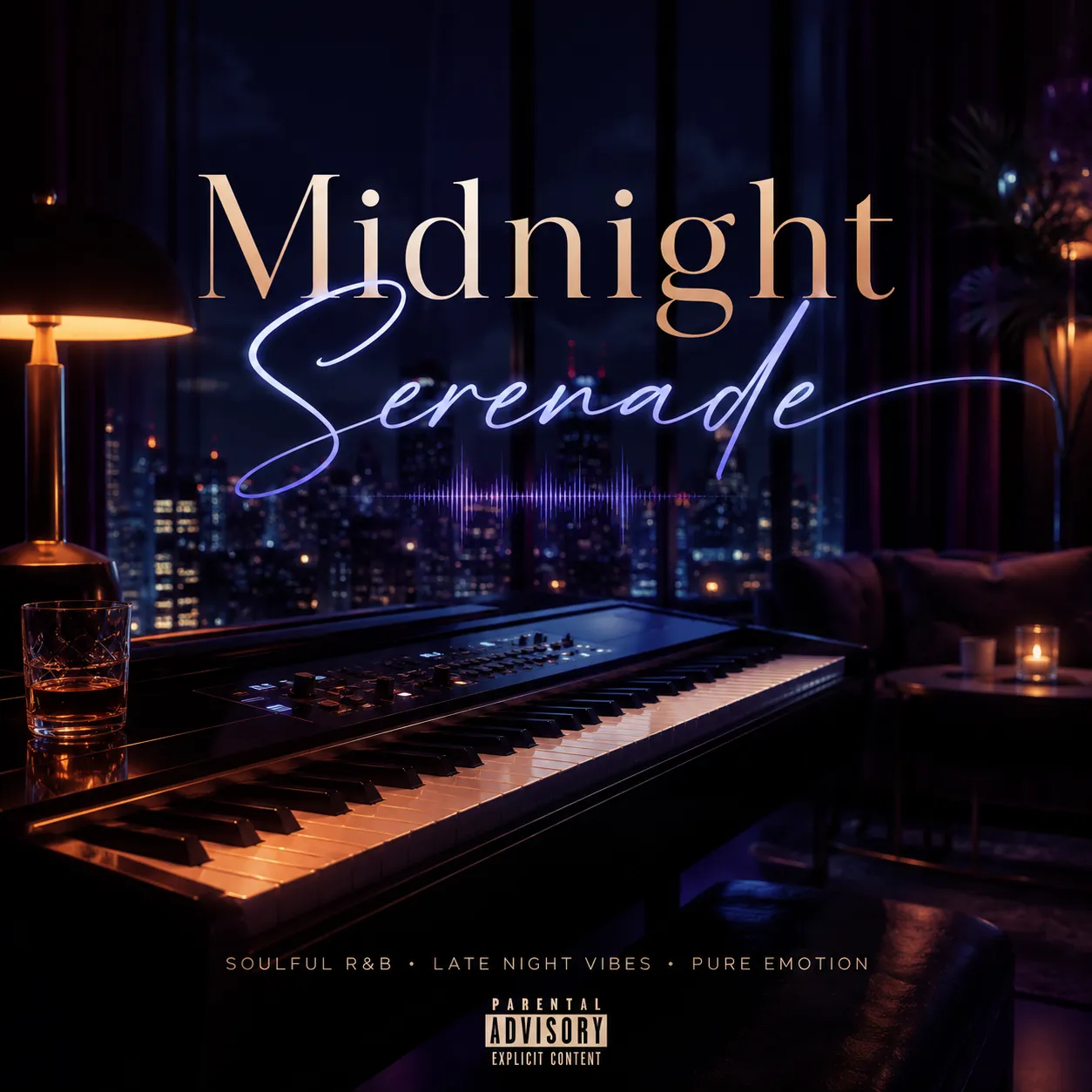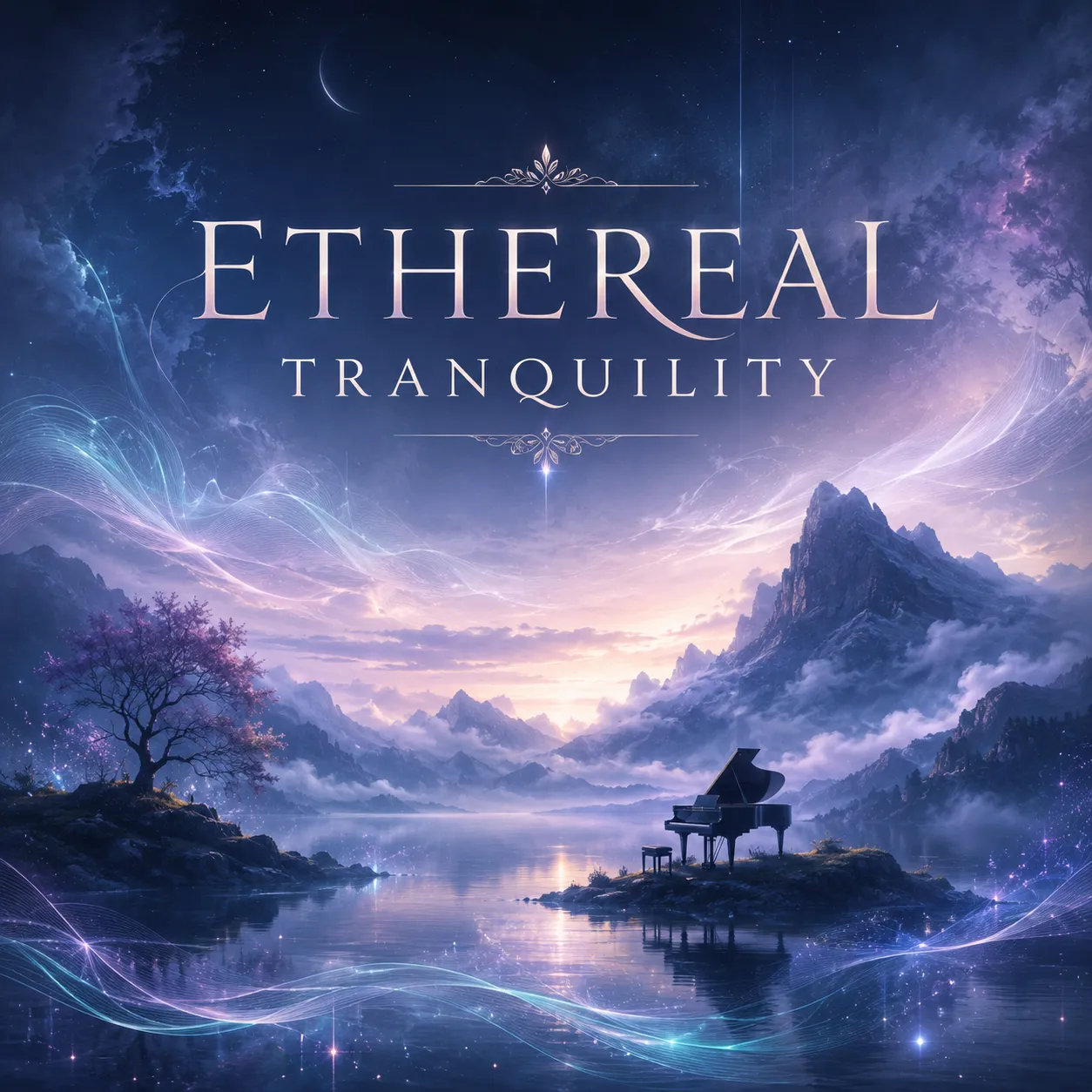
Hopeful Embrace
Acoustic folkFingerpicked guitarSoft pianoHopeful vocal
0:003:28
Play a demo, pick a vibe, then turn your idea into an AI-generated track in seconds.
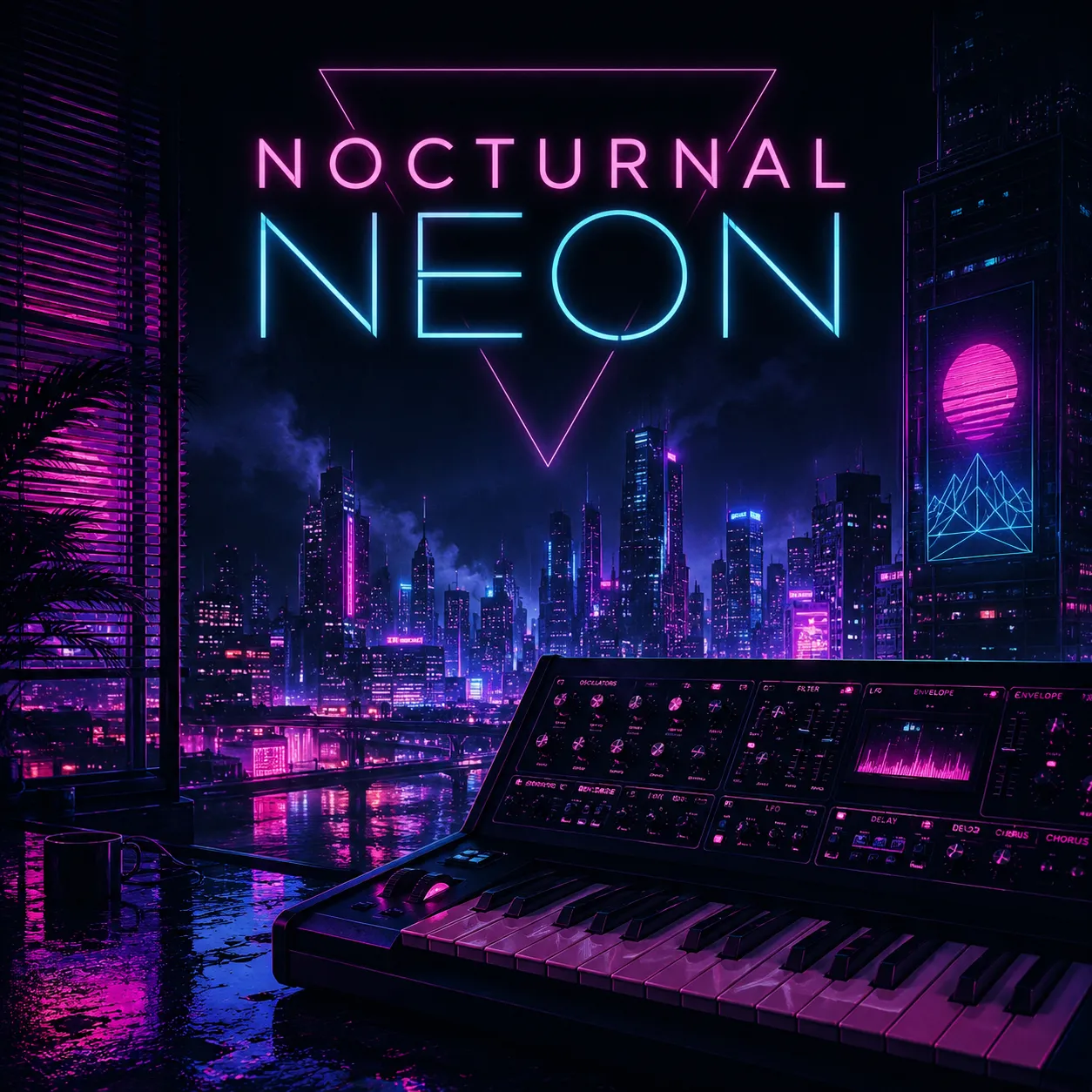
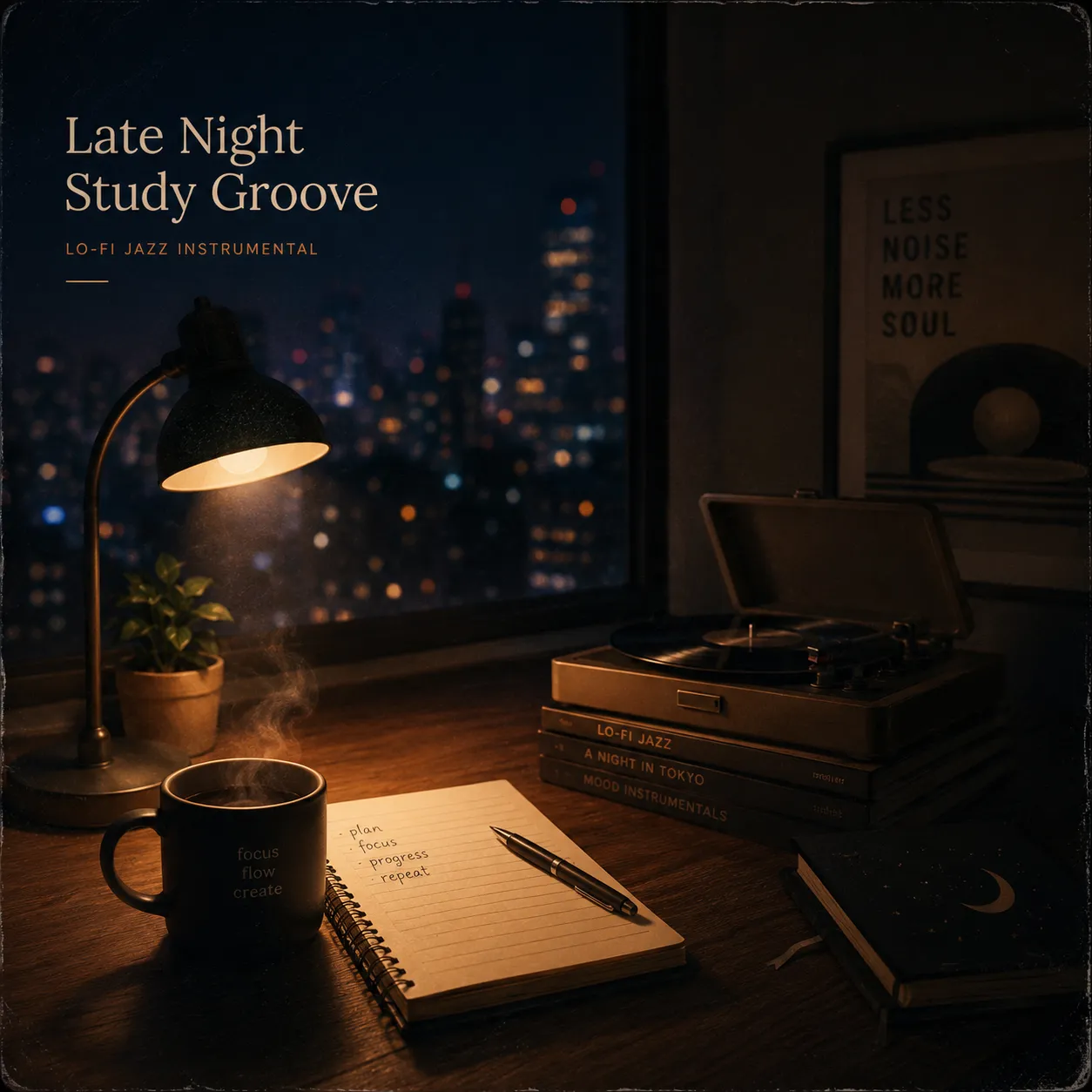
Create track ideas, background music, song demos, and production references without switching tools.
Describe the mood, instruments, and genre you need, then generate a ready-to-review music file.
Use Easy mode for fast prompts or Advanced mode for title, lyrics, style, and instrumental settings.
Preview and download generated tracks from the same Vidrush workbench.
A clearer music brief helps the generator understand the sound, structure, and intended use.
Name the style and emotional direction, such as hopeful folk, cinematic ambient, dark synthwave, lo-fi study, or upbeat pop.
Mention drums, guitar, piano, synths, strings, bass, vocals, percussion, vinyl texture, spacious reverb, or clean studio sound.
Tell the tool whether the track is for a product video, intro, podcast bed, trailer, game loop, lesson, social clip, or song demo.
In Advanced mode, add lyrics, title, vocal style, instrumental setting, and whether the song should include vocals.
Use the generator for creator music, background beds, demos, and production references.
Pick Easy or Advanced mode, describe the vibe, and review the generated track in the right-side preview.
Start with a clear music idea, choose simple settings, then generate a track.
Mention genre, mood, instruments, tempo, vocal style, structure, and intended use.
Use Easy for a single prompt, or Advanced for title, lyrics, style, and instrumental control.
Create the track, listen in the workbench, and download the strongest draft for editing or review.
Generated music is a creative draft. Listen through the full track before using it in public or commercial work.
Make sure intro, build, chorus, loop point, ending, and energy level match the video, ad, podcast, or song use case.
If the track has vocals, check lyrics for spelling, names, sensitive claims, brand mentions, and language you would not publish.
Commercial use depends on your plan, provider terms, prompts, lyrics, samples, and final publishing platform.
Use original style descriptions instead of trying to copy a living artist, copyrighted song, protected voice, or identifiable recording.
Practical answers for creating AI music online.
You can generate instrumental background tracks, song demos, music beds, and vibe references from a text prompt.
Yes. Switch to Advanced mode and add lyrics, title, style, and vocal preferences.
Yes. Enable Instrumental mode to request a track without vocals.
The tool uses ElevenLabs Music through the Vidrush AI generation pipeline.
Include genre, mood, instruments, tempo, vocal style, use case, and references described in plain words rather than asking to copy a specific artist or song.
Commercial use depends on your plan, provider terms, lyrics, prompts, and publishing platform. Review rights before using a track in paid or public work.
Listen for structure, audio quality, lyrics, brand mentions, unwanted similarity, rights, and whether the track fits the final video or project.